

7 October 2026 - 4 min read
Bark vs CrenelView: Which One Actually Fits a Phone Your Child Doesn't Own
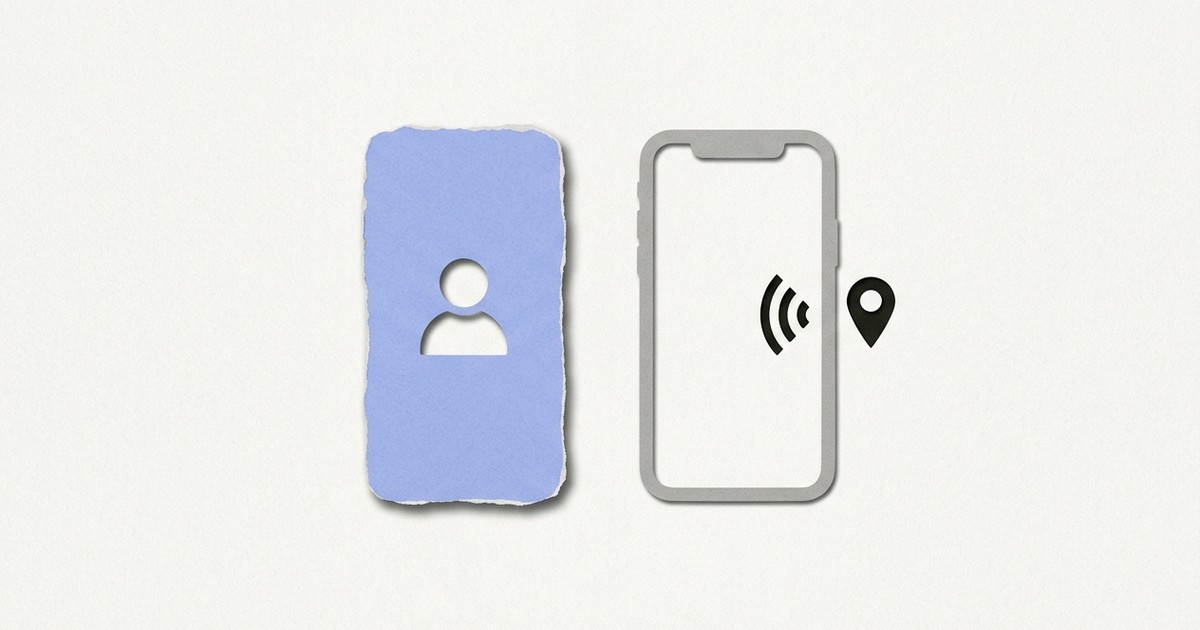
Bark and CrenelView both turn up when a parent searches for help with a child and a phone, but they answer different questions. Bark is built to read what happens on a child's own device and alert a parent. CrenelView is built for a phone the child doesn't own, where the only job is closing the apps a parent has chosen. Which one applies depends on whose phone it is.
What is Bark actually built for
A child's own device, scanned for risk and reported to a parent. According to Bark's own site, a parent installs a companion app on the child's Android phone or tablet, and Bark then reads texts, emails, searches, and activity across more than 30 social apps, sending the parent an alert when its software spots something concerning. It also covers screen schedules, blocking sites and apps, and a child's live GPS position. For some social apps, Bark says setup means entering the child's own login details. It sells a paid plan, along with its own kids' phone and watch.
What is CrenelView actually built for
A single phone that a parent and child share, because the child has no device of their own yet. There is no second device and nothing to scan, since the parent picks which apps to block directly on the same phone the child borrows. A chosen app closes the moment it opens. Blocking applies to the whole list either all the time or only during hours the parent sets, with a timed "Allow for a while" option covering exceptions. It runs entirely on-device, with no account, no sign-in, and no INTERNET permission at all, checkable directly in the app's own permissions listing.
If your child only ever uses your phone, there is no second device to scan.
Get it on Google Play->Does CrenelView do the same things Bark does
No, and it is better to say so plainly than to stretch the comparison. CrenelView does not read texts or social activity, does not send alerts about what a child sees, does not show anyone's position, and does not block individual websites. It closes the specific apps a parent chooses, nothing broader than that. Bark's design assumes a child whose device goes out the door. CrenelView assumes one phone, handed over and taken back the same day.
Is Bark available where you live
Check before you plan around it. Bark's own FAQ says the Bark app is currently available in the United States, South Africa, and Australia, and that its kids' phone is for US families only. That may change, and it is worth confirming on their site, but a parent outside those places should not assume it will install and work as described. CrenelView has no account and no server to depend on, so where you live does not change how it works.
So which one should a parent actually pick
If a child already carries their own phone or tablet out of the house, a tool built to scan that separate device, the way Bark is, matches the situation. If a child's only phone time is on a parent's own phone, handed over at home and returned the same day, there is no second device for that kind of tool to sit on, which is the gap CrenelView exists to cover.
Neither one is solving an imaginary problem. They fit two different households, and yours decides.
Built for the one-phone household, not a second device to scan.
Get it on Google Play->