

23 September 2026 - 4 min read
Samsung Kids Mode vs Blocking Specific Apps: What's the Real Difference
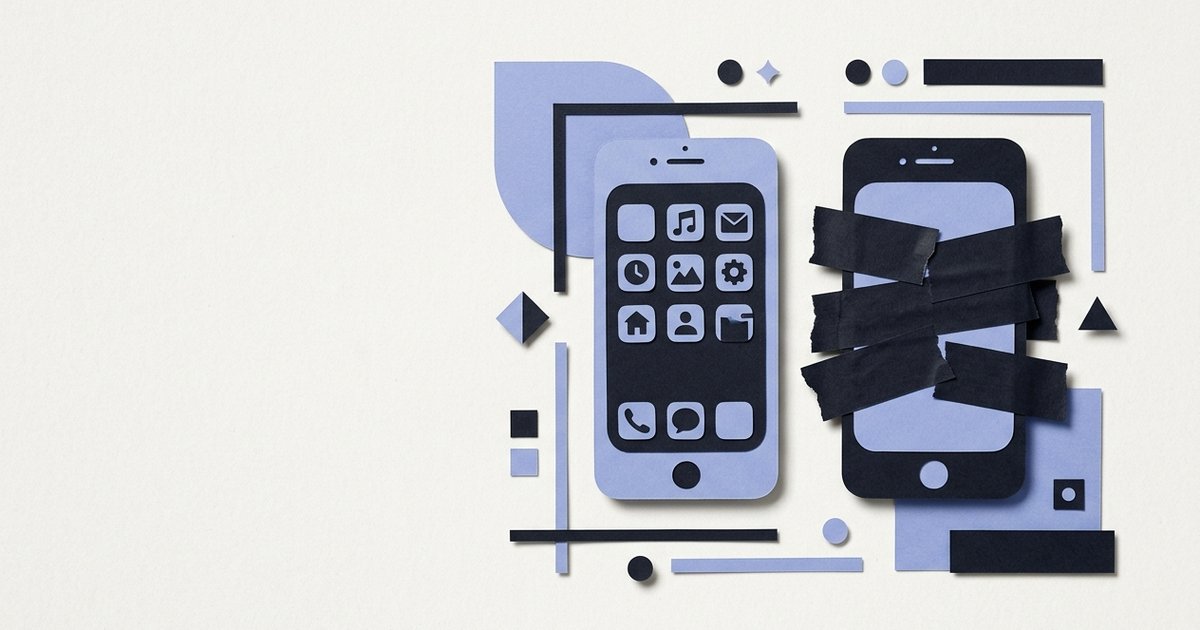
Samsung Kids Mode is a genuinely different design from blocking specific apps, not a competing version of the same idea. It replaces the whole phone with a separate, walled-garden interface, rather than leaving the normal phone in place and closing off a few apps within it.
What is Samsung Kids Mode, and how does it actually work?
It's a free, built-in feature on Galaxy phones that swaps the entire interface for a separate "Kids Home" when switched on, a bright, simplified home screen with only apps a parent has specifically added. A parent sets a PIN once, picks which apps are allowed inside, roughly favoring pre-approved, curated titles, drawing, stories, kid-friendly games, and a child stays inside that sandboxed environment until the PIN is entered to exit.
How is that different from blocking specific apps on the normal phone?
It flips the underlying model. Samsung Kids Mode is an allowlist: only apps specifically added work at all, everything else on the phone is unreachable by default inside that mode. Blocking a specific app on the normal phone works the opposite way, an allowlist by exception: the whole phone stays as it normally is, and only the apps a parent specifically blocks get closed. One assumes nothing should be reachable unless added; the other assumes everything should stay reachable except what's specifically removed.
Does Samsung Kids Mode work on every Android phone?
No, only on Samsung's own Galaxy devices, since it's built into Samsung's software specifically. Xiaomi, Realme, Oppo, and Vivo, all widely used in India, don't have an equivalent built-in feature, which is exactly the kind of OEM difference that already shows up in how differently these phones handle background app blocking generally.
Block specific apps on any Android phone, not just Samsung's.
Get it on Google Play->Can more than one child share Samsung Kids Mode safely?
Only loosely. Samsung Kids Mode doesn't currently support separate profiles for different children on the same device, the same PIN and the same set of allowed apps applies to whichever child is using it. For a single child on a shared phone that's not an issue, but it doesn't distinguish between an eight year old and a four year old using the same phone at different times.
So which approach actually fits a shared-phone household better?
It depends on how much of the phone needs to stay usable for the parent too. Kids Mode works well when the phone is being handed over specifically and fully for a child's use, a dedicated session in the sandbox. Blocking specific apps, the way CrenelView works, fits better when the same phone needs to go back to being a normal, fully-featured adult phone the moment the handover ends, without switching modes, since nothing about the rest of the phone was ever walled off in the first place.
One replaces the whole phone for a session. The other just closes a few doors on the same one. Which fits depends on how the phone gets used in between.
Keep the rest of your phone exactly as it is, and just close the apps that matter.
Get it on Google Play->