

2 October 2026 - 4 min read
UPI PIN Safety When Your Child Uses Payment Apps on a Shared Phone
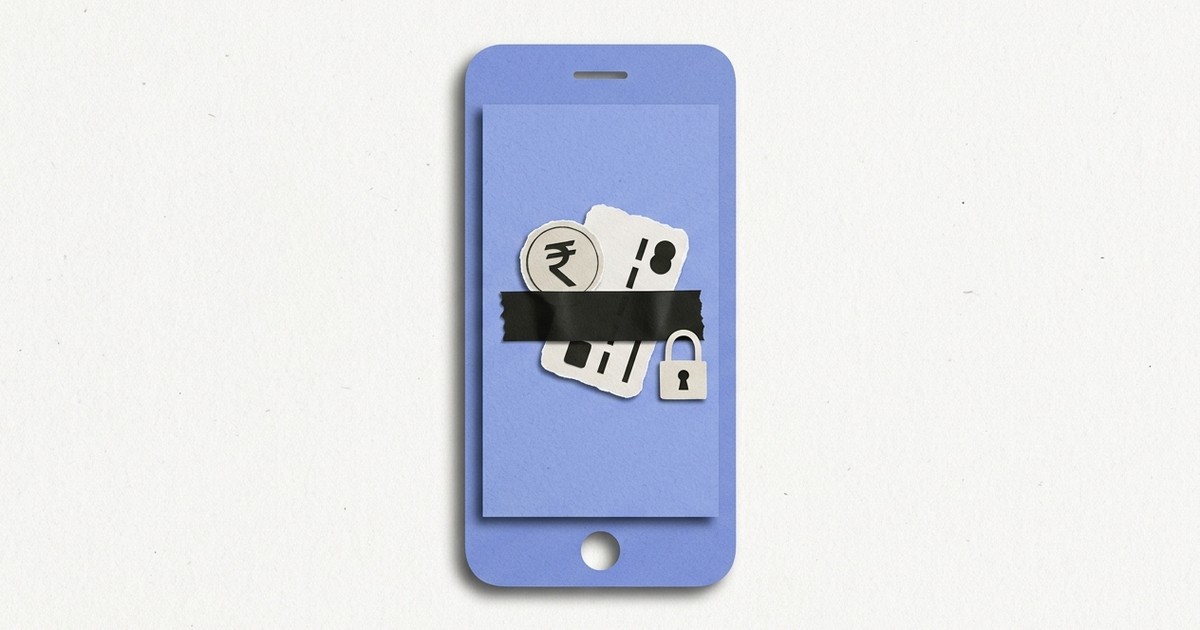
GPay, PhonePe, and Paytm sit on most Indian phones already logged in, already linked to a bank account, and one tap away from moving real money. Handing that phone to a child for a game or a video is not the same as handing over a toy phone. The payment apps are still there, still signed in, and still working exactly as they were built to.
How does a child end up making a UPI payment by accident
Usually through a QR code, not through opening the payment app on purpose. Scanning a QR code inside a game, a shopping app, or even a shared link can drop straight into a payment screen with the amount and payee already filled in. From there, the only thing standing between that screen and a completed transfer is the UPI PIN, which a child may have watched a parent type more times than anyone realizes.
Can a child actually know or guess your UPI PIN
More easily than most parents assume. A four to six digit PIN typed the same way, in the same spot, dozens of times in front of a child who is simply present in the room, tends to get memorized without anyone trying to teach it. It is not a security flaw in the app. It is what happens when the same short code is entered visibly, repeatedly, on a device someone else also holds.
Blocking payment apps for the hours your child has the phone removes the question entirely.
Get it on Google Play->What actually stops an accidental UPI payment on a shared phone
Two things, used together. First, never let the phone's autofill or a saved-PIN shortcut sit active on a shared device, that single setting is often the real gap, not the app itself. Second, keep payment apps out of reach during the hours the phone is actually handed over, the same way any other risky app would be kept out of reach, rather than trusting that a PIN alone will hold up under repeated exposure.
Should you just remove your card details and UPI ID entirely
That solves the problem but usually is not realistic, most people rely on that same phone for their own daily payments. A more workable middle ground is treating GPay, PhonePe, Paytm, and similar apps the same as any other app you would not want opened without you present: blocked during the hours the phone is handed over, available the rest of the time.
So what should you actually do
Change the PIN if you suspect it has been seen, turn off any saved-PIN or biometric shortcut that skips typing it, and add your payment apps to a blocked list for the specific hours your child uses the phone. None of this requires deleting the apps or the accounts behind them, only making sure they are not sitting open and reachable during the exact windows a child is holding the phone unsupervised.
UPI made moving money fast on purpose. On a phone only one adult uses, that speed is the entire point. On a phone a child also uses, it is the part worth putting a boundary around.
Add your payment apps to a blocked schedule for the hours your child has the phone.
Get it on Google Play->