

21 September 2026 - 4 min read
How to Stop Accidental Calls When You Hand Your Child the Phone
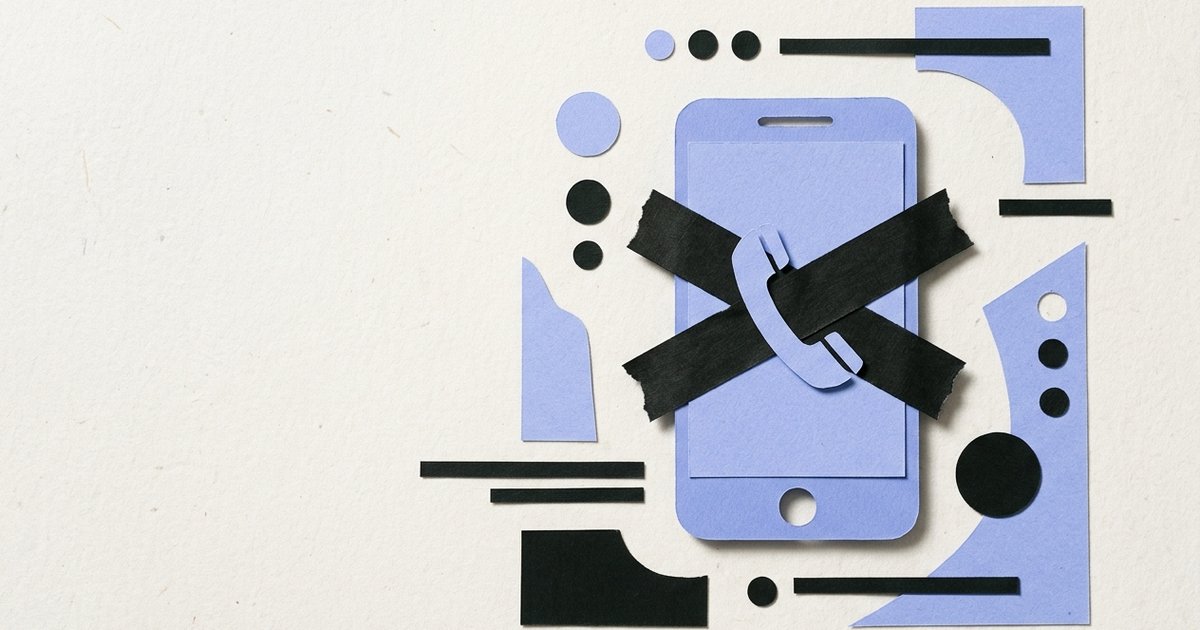
Handing your phone over for a video usually goes fine. It's the five minutes after, when a bored child starts tapping around, that ends in a call to a relative or a contact nobody meant to dial.
Why does this happen so easily?
Because the phone dialer and contacts list are core phone functions, not something buried behind a password or a specific app icon a child has to find. A locked screen's emergency-call shortcut, the recent calls list, or a contacts app sitting on the home screen are all just a tap or two away, and a young child exploring the screen doesn't distinguish between an app meant for them and one that isn't.
Does blocking apps stop this?
Not directly. Calling and messaging are handled by the phone's own dialer and messaging apps, core phone functions rather than something a blocking tool is built to close the way it closes a game or a video app. CrenelView blocks apps on a list you choose, it doesn't touch the phone's calling function, and it's worth being upfront about that rather than implying otherwise.
What can Android itself do about it?
Screen pinning is genuinely useful here, more than almost anywhere else it gets recommended. Pinning the phone to one specific app, the video or game your child is actually using, removes access to the home button, recent apps, and everything else, including the dialer and contacts, for as long as the pin is active. It has to be turned on each time, but for a specific handover where nothing but one app should be reachable, it does exactly that.
See how CrenelView handles app blocking, separate from what happens with calls.
Get it on Google Play->Is there a faster option for a short handover?
Airplane mode is blunt but effective if the video or game being used doesn't need an internet connection, an already-downloaded video, for instance. It stops calls, messages, and data all at once with one toggle, though it also cuts off anything in the handed-over app that does need a connection, so it only works for offline use.
So what's actually the most reliable fix?
Screen pinning for a short, in-your-presence handover, since it locks out the dialer along with everything else. Once the handover is over and it's about apps staying closed until you decide otherwise, rather than a single supervised session, that's the part CrenelView actually handles: closing specific apps on a schedule, separate from what happens with calling in the moment.
Screen pinning locks the dialer away for one session. A block list keeps an app closed every time after that. Neither one does the other's job.
Set up your app block list for everything after the handover is over.
Get it on Google Play->